

AI Reports
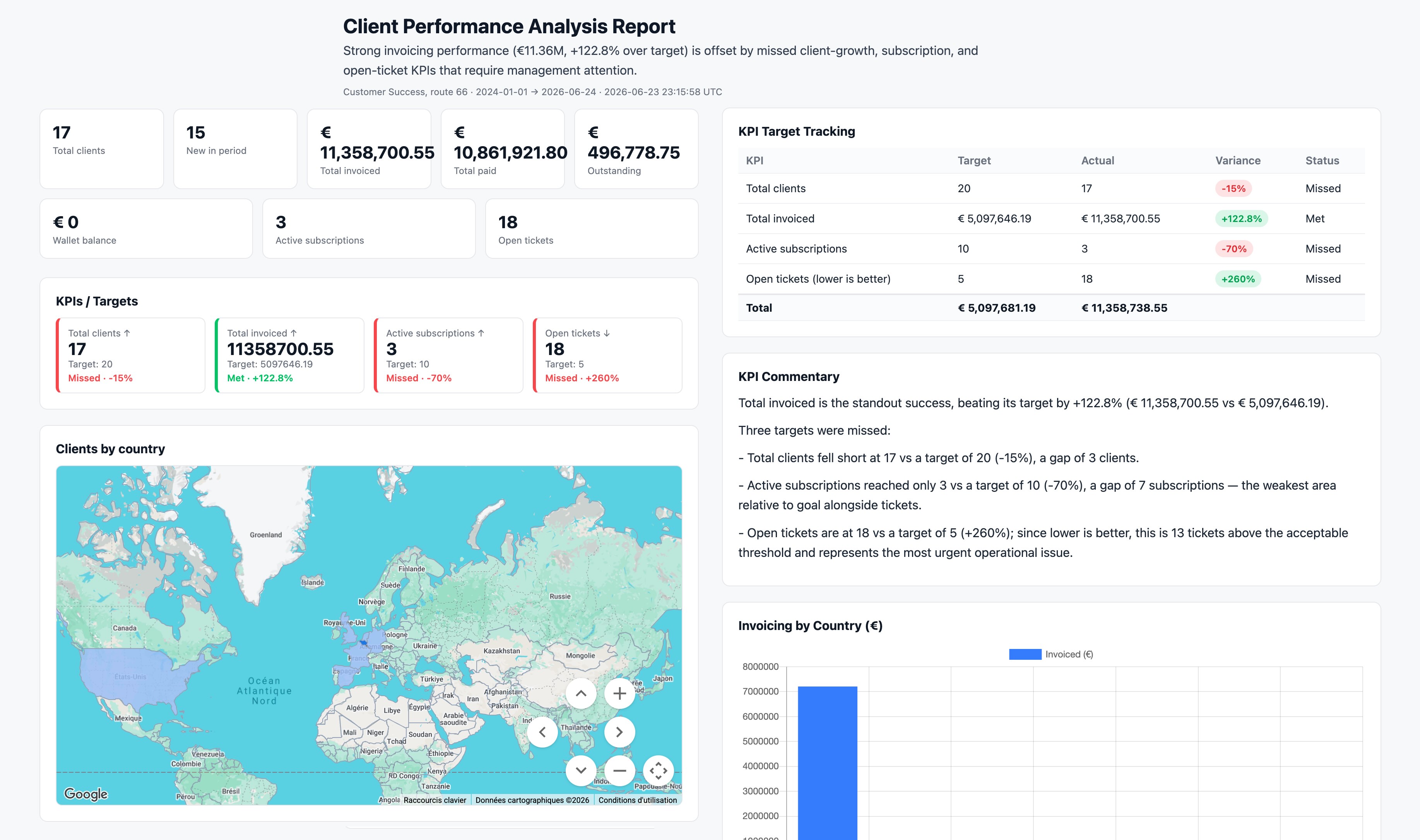
AI Reports turns your business data into clear, ready-to-read reports. Ask a question in plain language and get an AI-generated report backed by the real figures NIZU already holds — from invoices, projects and tasks — no spreadsheets or technical skills required.


Features
Like every other App in NIZU, AI Reports works with the modules you already use — Invoices, Projects, Tickets, Clients, Leads, Contracts, Orders, Tasks and more — and is built to connect with more data sources over time, so your reporting grows alongside your business.
Plain-language questions
Ask about your business the way you would ask a colleague — no formulas, filters or query language to learn.
Reports backed by real data
Every report is written from the actual figures in your workspace, so the numbers always match your business.
Templates or custom reports
Start from a ready-made template or build your own report to answer exactly the questions that matter to you.
Rate and regenerate
View, rate and regenerate any report until it tells the story you need, so it keeps getting more useful.
Connected data sources
Pulls from invoices, projects, clients, leads, contracts, orders and tasks today, with more NIZU modules and approved external sources on the way.

Connected Apps
No App works alone
Here is a list of other connected apps:
-
Invoices
-
Projects
-
Tasks
-
Payments
-
Clients