

NIZU Cloud Infrastructure
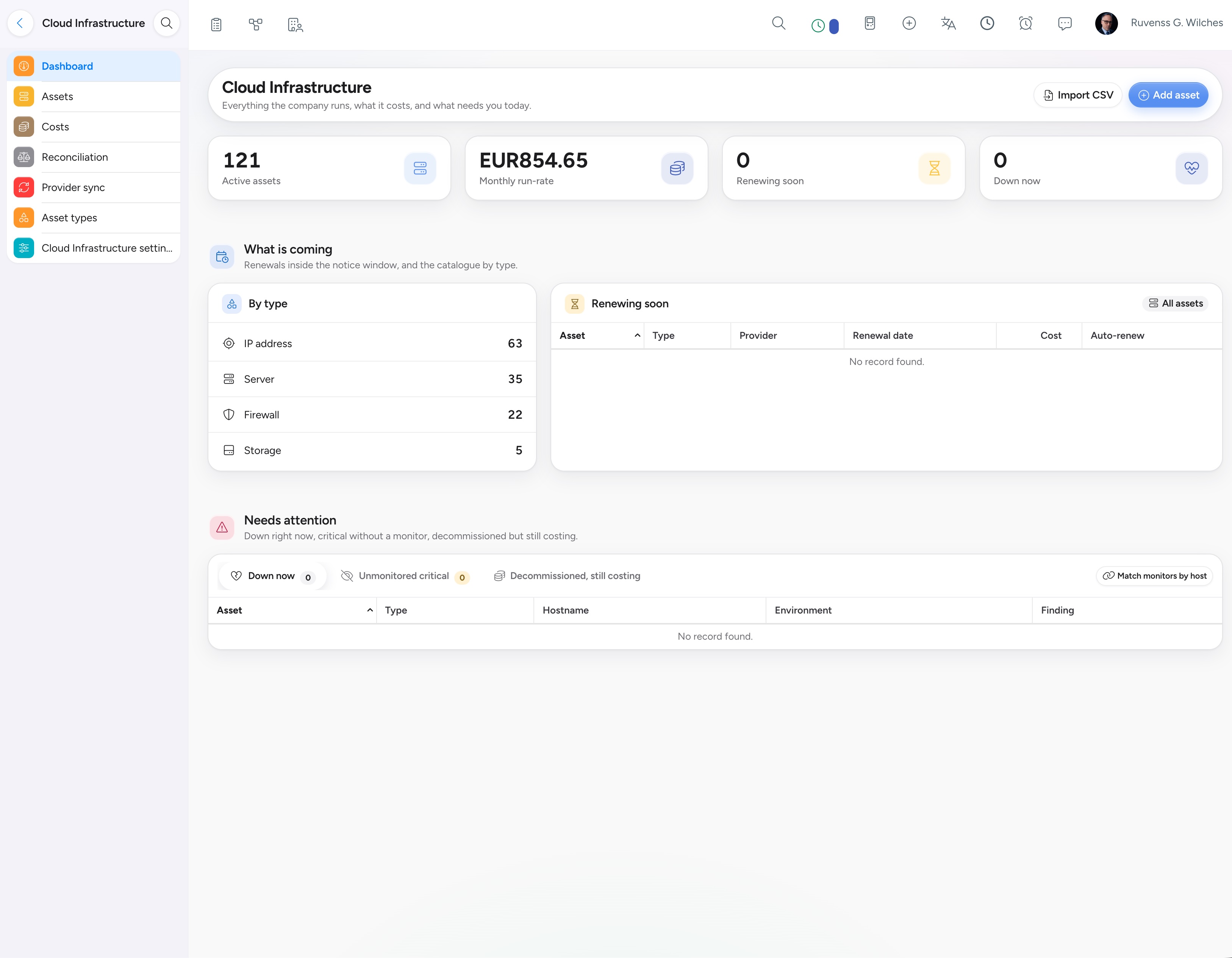
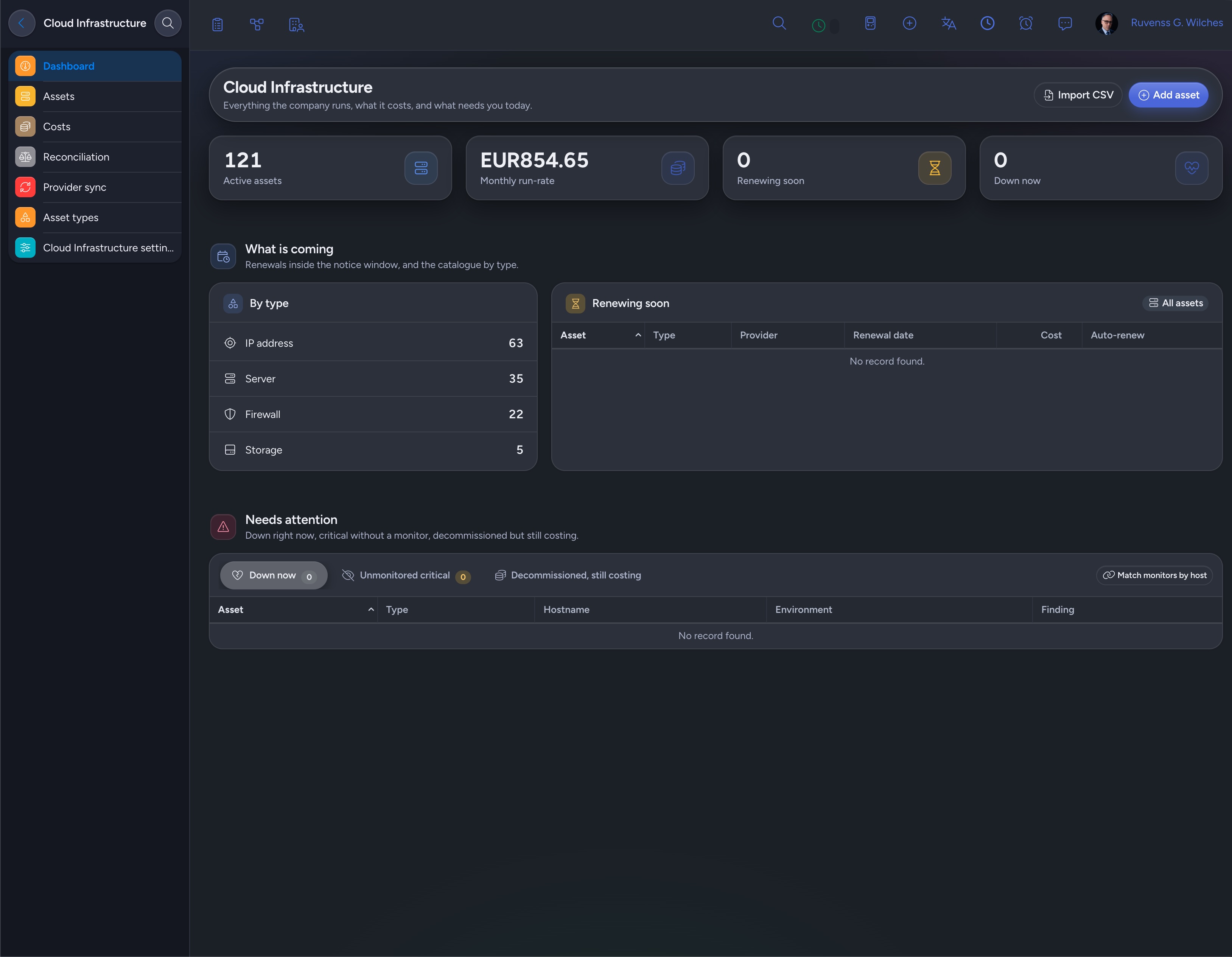
Cloud Infrastructure keeps one catalogue of everything your company runs: servers, services, databases, storage and SaaS subscriptions, each with its environment, criticality, cost and the client or project it belongs to. Nothing is copied — it links to what your other NIZU Apps already hold.

Features
Cloud Infrastructure works with the Apps you already use — Password Manager, Uptime Monitor, CRUDy, Domain Manager and Providers — and keeps growing as your infrastructure does.
One catalogue, every asset
Servers, virtual machines, services, APIs, databases, storage, IP addresses, load balancers, certificates and SaaS subscriptions — each with its own environment, criticality, provider and cost.
Links, not copies
An asset points at the credentials in Password Manager, the monitor in Uptime Monitor, the database in CRUDy, the domain in Domain Manager — every App keeps owning its own data.
Costs that reach your accounting
Post a planned cost to Expenses in one click, let NIZU generate every following billing cycle, and recharge billable assets to the client through the normal invoice flow.
Provider sync
Compare your catalogue with Hetzner Cloud, DigitalOcean, Vultr, Linode or Infomaniak. Differences show first — you decide what to apply, and nothing is ever deleted automatically.
Every change, on the record
Each edit is logged field by field, with who made it and when, so six months later 'who changed the IP of the production database?' still has an answer.
A client portal, if you want one
Let client contacts see the assets run for their company — specs, costs and monitoring status are optional and separate, and credentials are never shown.
From spreadsheet to single catalogue
Four steps, and nobody has to ask which server runs what ever again.
Add your assets
Create them one by one with a short five-step form, or import a spreadsheet — the preview shows what will be created and what will be updated before anything is written.
Link what it depends on
Connect each asset to its credentials, monitor, domain, database, client and project. Cloud Infrastructure draws the lines; every other App keeps owning its own record.
Post the cost to Expenses
Enter the net cost once, tick Recurring for the cycles that follow and Billable to recharge the client — NIZU takes care of the rest.
Sync and reconcile
Compare your catalogue with your provider's API each month, apply the differences you choose, and reconcile what you planned to pay with what was actually posted.

Connected Apps
Password Manager
How is connected: Server and API credentials stay in the shared vault; Cloud Infrastructure only links to them and never displays them to a client.
appUptime Monitor
How is connected: Link an asset to its monitor and its Up / Down status appears on the asset, the dashboard and the client portal.
appNo App works alone
Here is what Cloud Infrastructure plugs into:
-
One dashboard for run-rate, renewals and critical assets with no monitor
-
Provider sync for Hetzner Cloud, DigitalOcean, Vultr, Linode and Infomaniak
-
Costs posted once, recurring and recharged to the client automatically
-
A field-by-field history of every change, with who and when
-
Ask Marvin what runs where, in plain language
Providers
How is connected: Hosting provider API tokens live in Providers; Cloud Infrastructure uses them to sync your catalogue and reconcile what you actually paid.
appDomain Manager
How is connected: Point an asset at the domains it serves, so the server and what it hosts are never more than a click apart.
app