

Ticketed events, run from your workspace
NIZU Club Events Management lets clubs, associations, schools and venues sell tickets, manage the guest list and check guests in at the door — all without leaving the workspace you already use for clients, invoicing and orders.

Features
An event is never a ticketing system on its own — it connects to a normal Item for pricing and stock, so tickets sell through the Store checkout your clients already use.
Events linked to real ticket items
Every event points to an Item classified as Event tickets, so its price and available stock are set once, in the same place you manage every other product.
Tickets sold through your normal Store
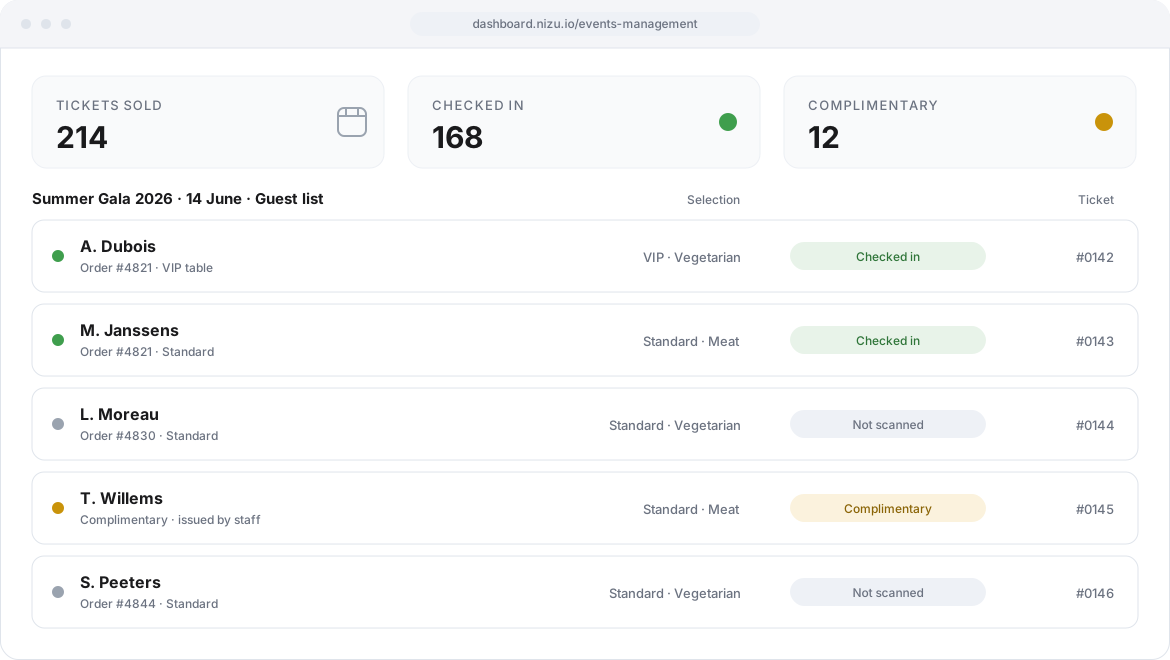
Guests buy tickets through NIZU's existing checkout. Each unit sold automatically creates a ticket row on the event's guest list.
A guest list with everything staff needs
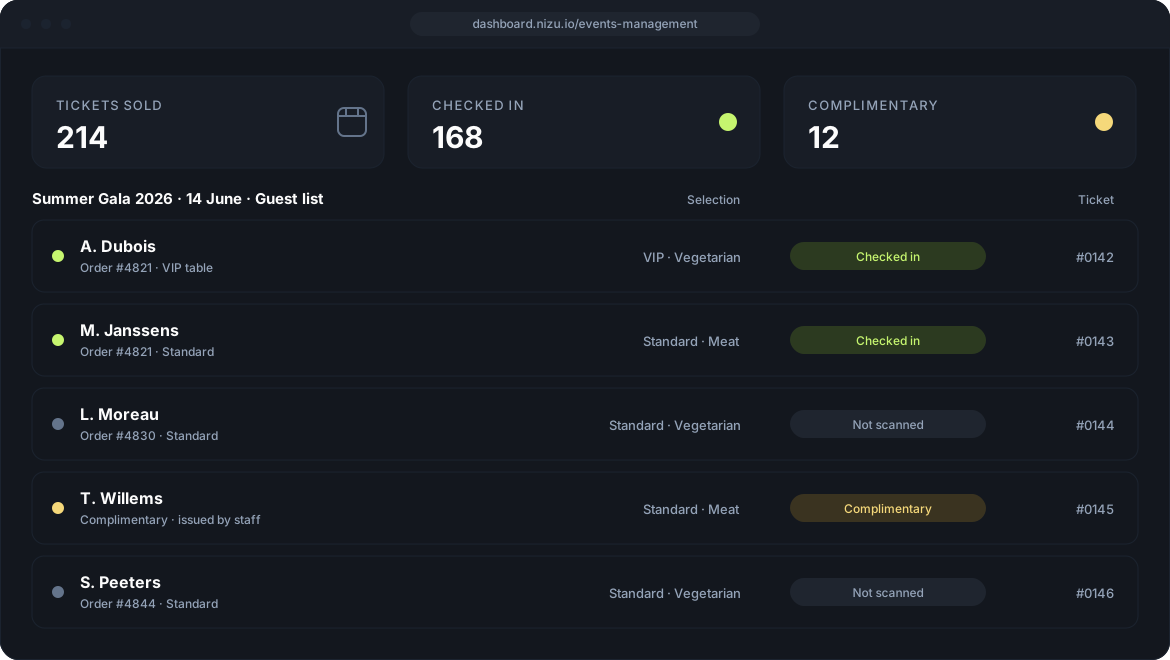
Names, contact details, companies, selected options and scan status, all in one list — traceable back to the original order and invoice.
Complimentary tickets, issued by staff
Give out one to fifty free tickets to an existing client in a couple of clicks. They reduce stock like any other ticket, without generating an invoice.
Guest choices, built into the ticket
Add up to four options — a meal, a seat, a package — directly on the linked item, so every ticket and printout shows the same consistent choice.
Door scanning without exposing guest data
Give door staff a scan-only permission so they can check tickets in without ever seeing contact details or company names.
Printable tickets and name badges
Generate QR-coded tickets on A4 sheets and name-badge labels, thirty-three per sheet, straight from the current guest list.
From ticket item to checked-in guest
Four steps, and your event never leaves the workspace.
Create the ticket item
Add an Item classified as Event tickets, set its price and stock, and add up to four choices if guests need to pick something.
Create the event
Add the location and dates, link the ticket item, and optionally connect the event to a Project for planning and budget.
Sell and issue tickets
Tickets sell through the Store checkout, and staff can issue complimentary tickets straight to an existing client.
Check in and print
Scan tickets at the door, and print QR tickets or name badges once the guest list is final.

Connected Apps
Items
How is connected: Every event reads its price and available stock from a linked Item, the same one you already manage for every other product.
appOrders and Store
How is connected: Tickets are sold through the normal checkout, and every unit sold becomes a traceable ticket on the guest list.
appNo App works alone
Here is what Club Events Management plugs into:
-
Tickets sold through the Store checkout clients already know
-
Every ticket traceable back to its order and invoice
-
Complimentary tickets tied to an existing client record
-
Events optionally linked to a Project for budget and tasks
-
Role-based permissions for viewing, editing and scanning tickets
Clients
How is connected: Complimentary tickets are issued to an existing client, and every guest list entry points back to its client record.
appRoles and permissions
How is connected: Decide who can create or edit events, who can edit or scan tickets, and who can issue complimentary tickets.