

i18nTranslator
i18nTranslator turns the pile of JSON language files a multilingual application produces into a tracked, reviewable, placeholder-safe workflow. Import, translate with AI assistance, and export to JSON, .po or PHP — or commit straight to a GitHub branch.

Features
Every package lives inside a NIZU project, so the source files, the file history and the permissions are the ones you already use. Nothing is emailed around, and nothing leaves your workspace.
Packages, not spreadsheets
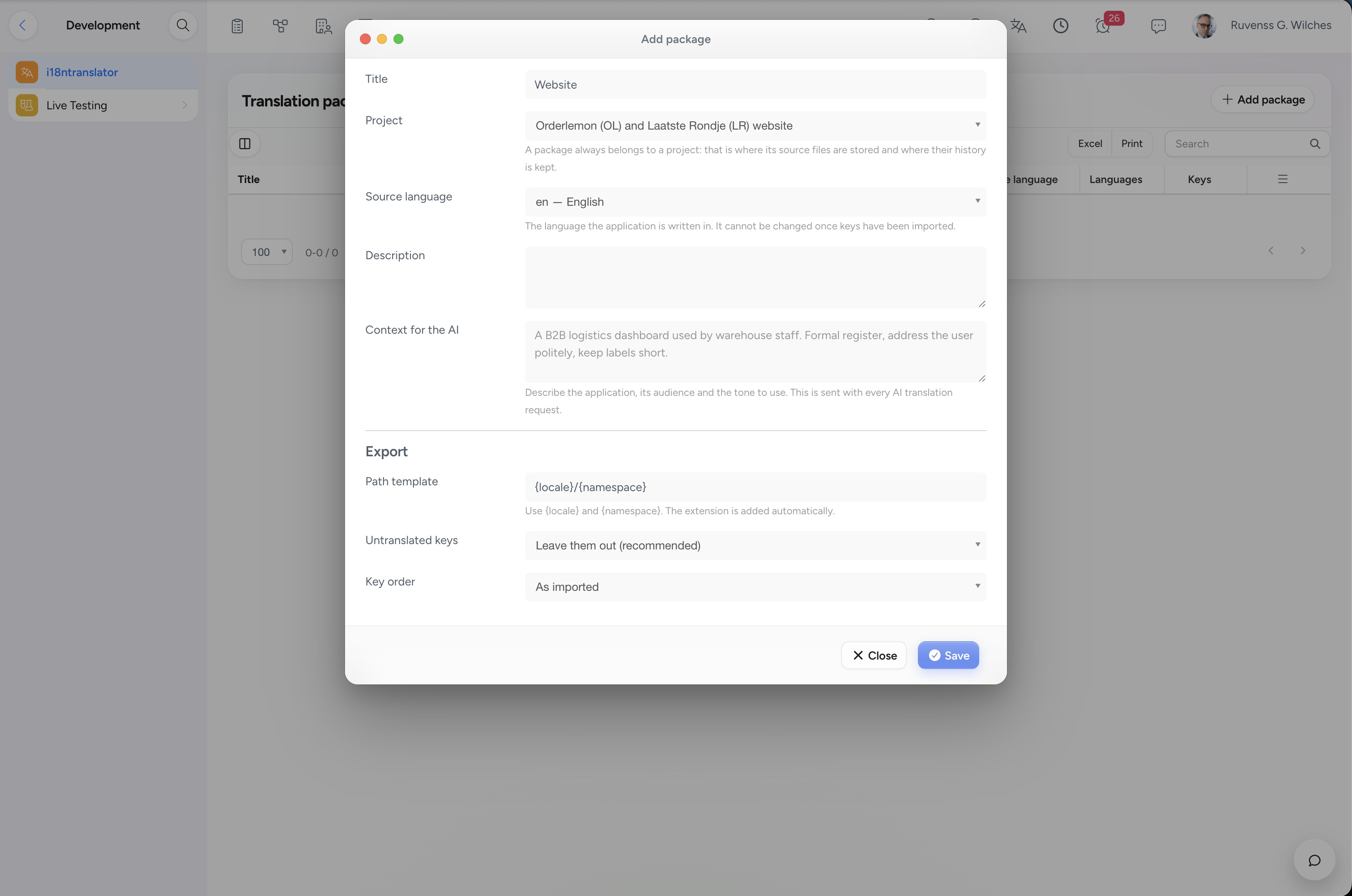
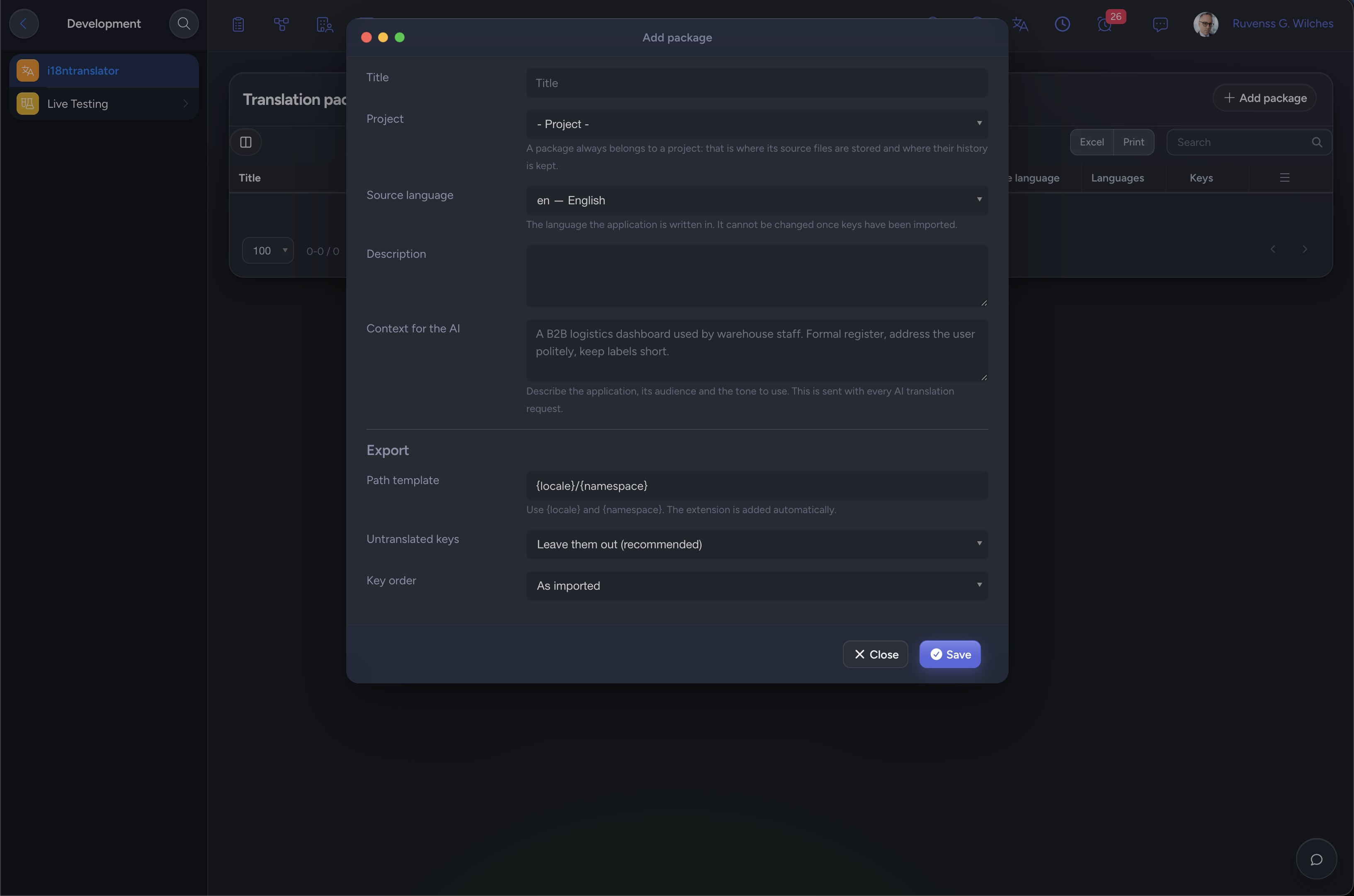
One package is one application: a source language, its target languages and the JSON files it was built from. Nested keys are flattened into dotted keys and re-nested identically on export.
A fast translation grid
One row per key, with the source text beside the translation field. Filter by status, search keys and text at once, and save and jump to the next incomplete row with a single shortcut.
AI assistance you stay in control of
Translate a whole filter or a handful of selected rows with your workspace AI provider. Every AI result is saved as a draft, and a person confirms it before it counts as translated.
Placeholders that cannot break
Every save, every AI write and every import is checked against the source string. A translation that loses a %1$s, a {count} or a <b> tag is rejected instead of shipped.
Progress and drift, visible
Every language shows a completion percentage and a breakdown by status. When the source text of a key changes, every existing translation of that key is flagged outdated automatically.
Three export formats
JSON for the round trip, gettext .po for translation toolchains, and PHP language files. Untranslated keys are left out by default, so your application falls back to the source language.
GitHub in both directions
Pull the language files from a repository and branch, or push every changed language as a single commit. If the repository moved first, the push stops and asks before anything is overwritten.
From JSON file to translated release
Four steps, and the same loop every time you ship a new string.
Import
Upload the .json language files to the project's Files tab, then import the source language. The preview shows exactly what will change before anything is written.
Translate
Add your target languages and work through the grid. Start on the Untranslated tab, or let the AI fill in a first draft for you.
Review
A second person marks rows Reviewed. The change history shows the old value, the new value, who wrote it, and whether it came from a person, the AI, an import or GitHub.
Export
Download JSON, .po or PHP for the languages you need, or push the whole set to your GitHub branch in a single commit.

Connected Apps
Projects
How is connected: Every package belongs to a project. The source files live in the project's Files tab, and whoever cannot reach the project cannot reach its translations.
appAI providers
How is connected: Translation runs through the shared workspace AI stack, so OpenAI, Claude, Gemini, DeepSeek, Grok or Ollama all work with no extra setup — and the cost is measured on its own.
appNo App works alone
Here is what i18nTranslator plugs into:
-
Project Files as the single source of truth
-
GitHub pull and push with fine-grained tokens
-
Shared AI providers from your workspace settings
-
NizuEvents webhooks for publication events
-
No changes to your workspace's own language files
Roles and permissions
How is connected: Four permissions in the standard role editor: view, translate, review and manage. Give a freelance translator the right to translate and nothing else.
Team members
How is connected: Every translation, status change, import, export and push is attributed to the person who made it, in the history and in the activity feed.