

Marvin AI
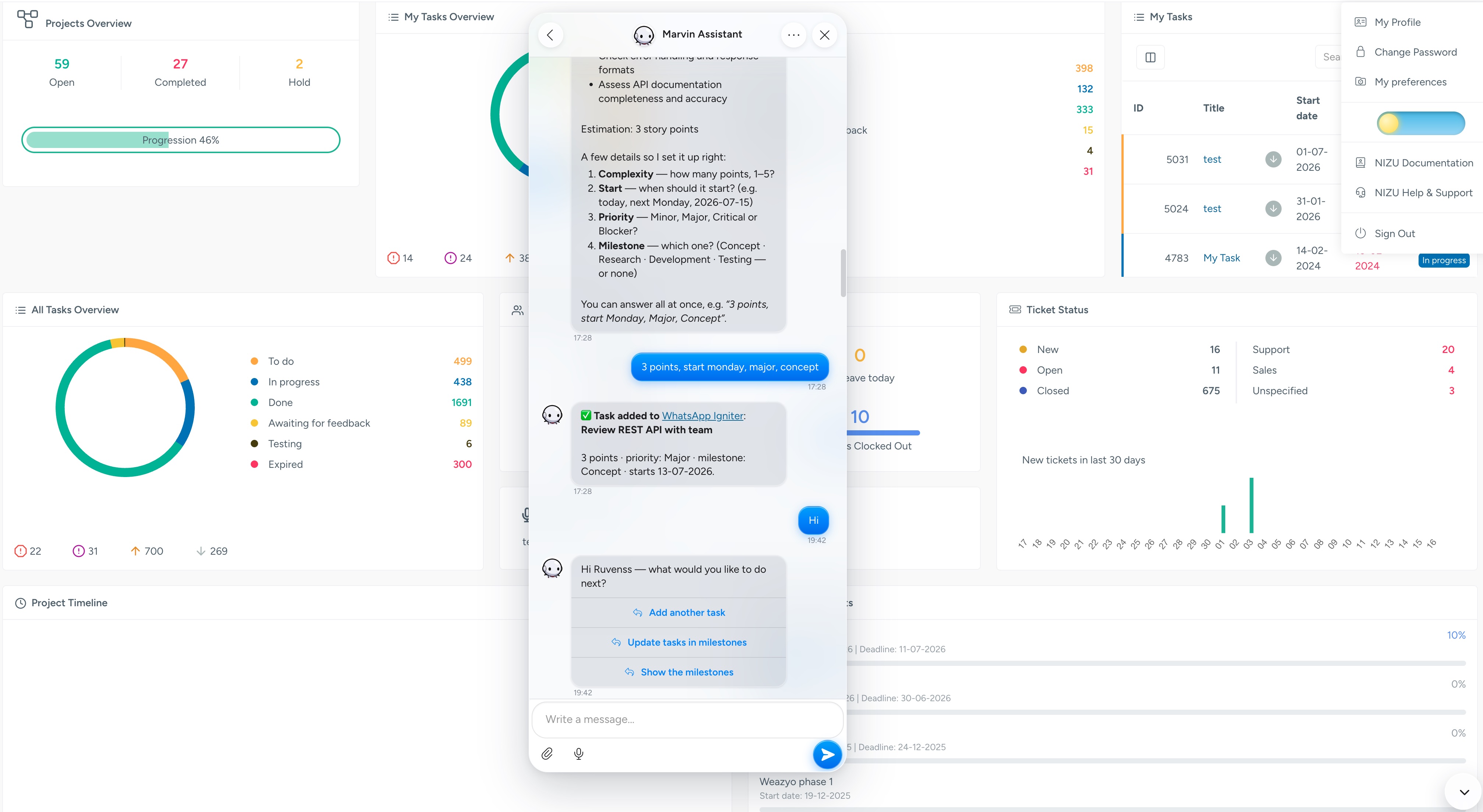
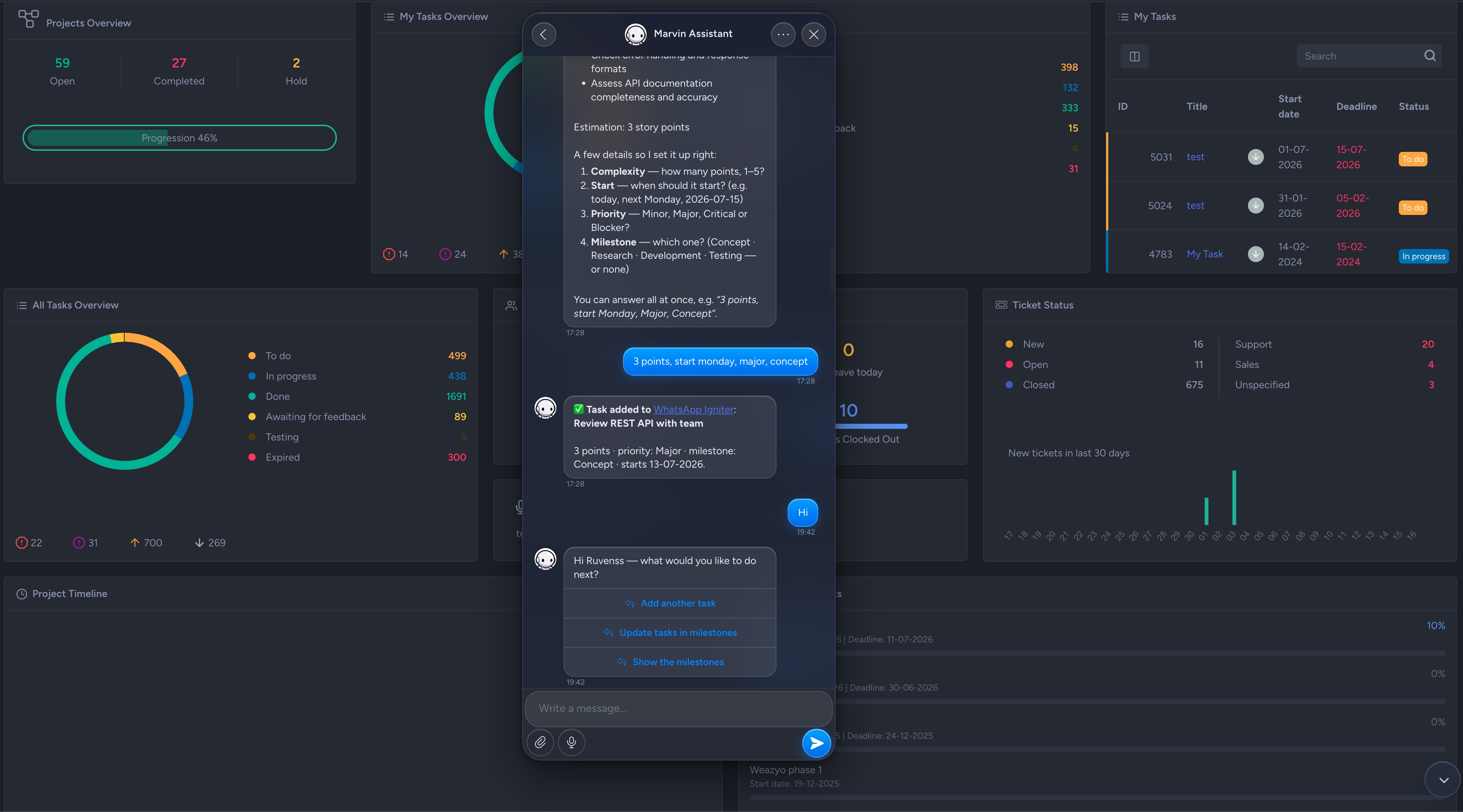
Marvin is the next-generation AI assistant for your team and your clients. Ask questions about your business in plain language and get answers drawn straight from the data already living in your NIZU workspace — connected to Claude, ChatGPT, Grok or DeepSeek.

Features
Like every other App in NIZU, Marvin works with the modules you already use — Invoices, Clients, Leads, Projects, Tasks and more — so you can ask about your business and get answers without leaving your workspace or exporting a single spreadsheet.
Ask in plain language
Ask about your invoices, clients, projects or team the way you would ask a colleague — no filters, formulas or query language to learn.
Choose your AI engine
Connect Marvin to Claude, ChatGPT, Grok or DeepSeek and pick the AI provider that best fits your needs and your budget.
Answers from your own data
Every answer is grounded in the real data already in your NIZU Cloud, so what Marvin tells you always reflects your business.
Conversation history
Keep the full history of your conversations, so you can revisit past answers and pick up right where you left off.
Built for team and clients
Give both your team and your clients an assistant that understands your workspace, with privacy controls you stay in charge of.

Connected Apps
No App works alone
Here is a list of other connected apps:
-
Projects
-
Tasks
-
Payments
-
Documentation
-
Timesheets
-
Domain Management
-
Uptime Monitoring
-
WhatsApp Igniter
-
WhatsApp Shop
-
OrderLemon
-
Proteus
-
WhatsApp Channels