

Live Testing
Live Testing is a manual QA and test-management app built right into your NIZU workspace. Organize test cycles, write test cases with clear steps, track defects with evidence, and catch regressions automatically — all connected to the projects and tasks your team already works on.

Features
Like every other App in NIZU, Live Testing connects to the modules you already use — Projects, Tasks, Team Management, Support Tickets and Roles & Permissions — so your QA workflow stays in sync with the rest of your business.
Test cycles
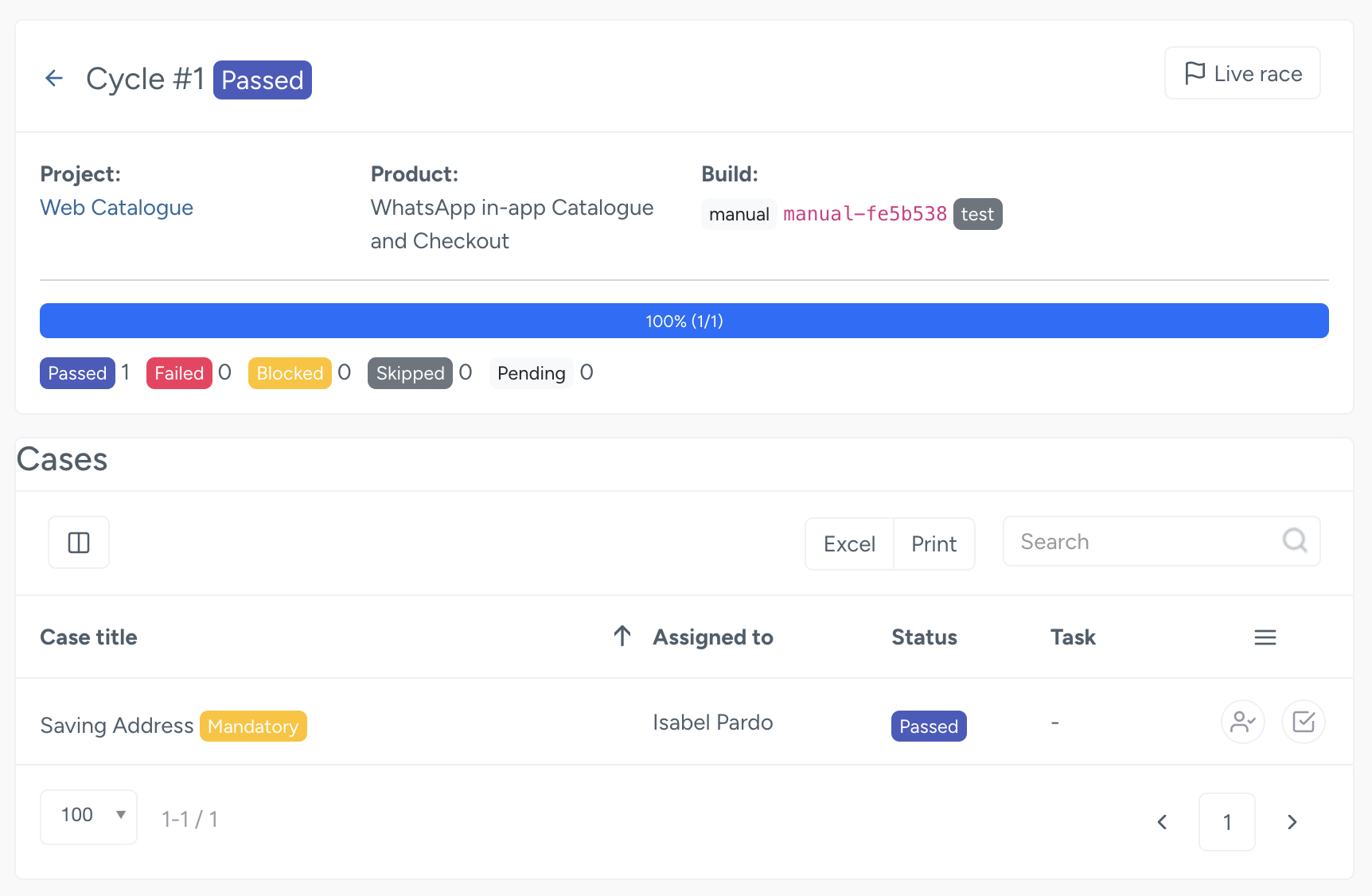
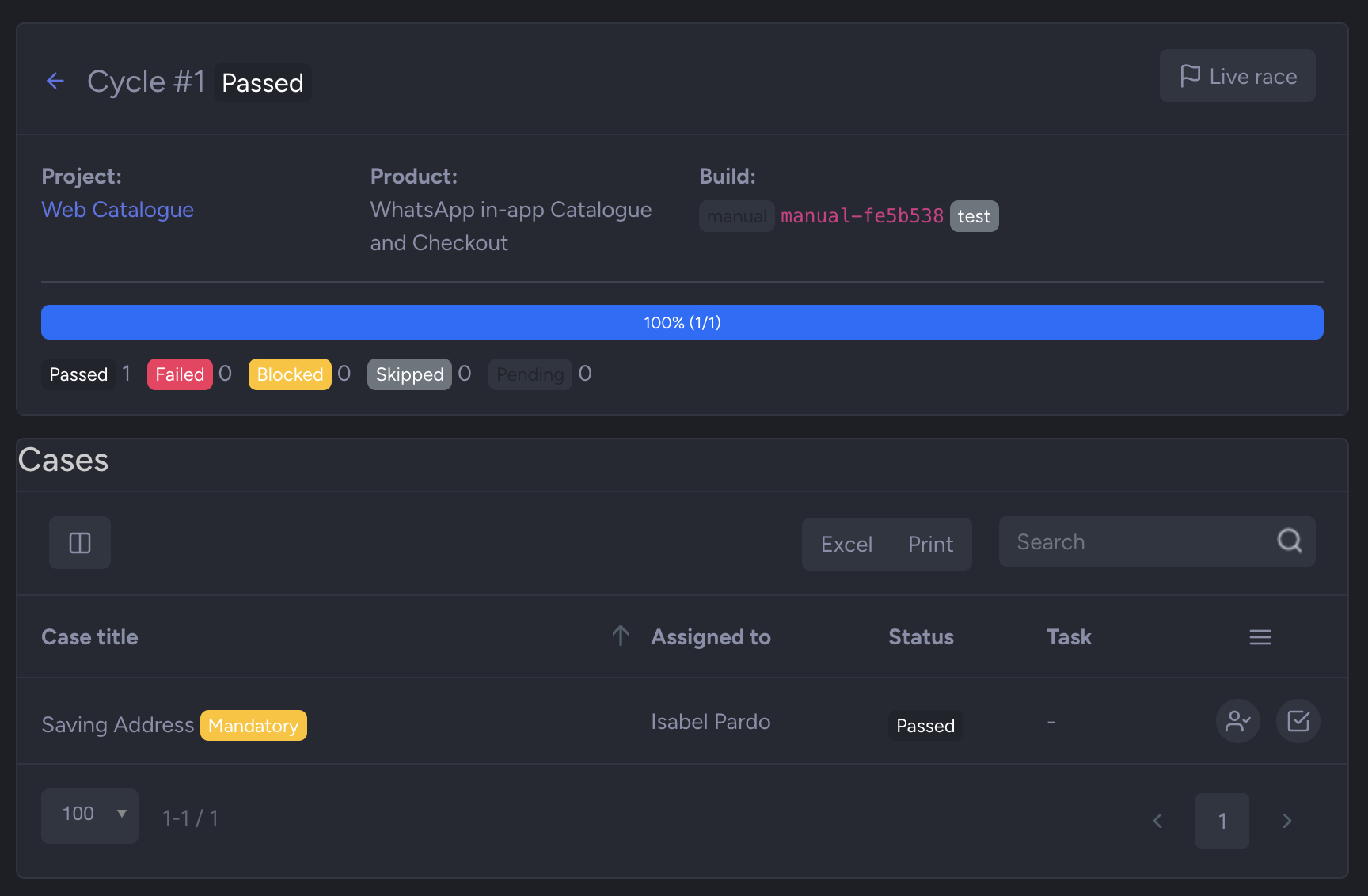
Plan and organize your testing into clear cycles, from quick smoke suites to full regression runs.
Test cases with steps
Write reusable test cases with step-by-step instructions and flag the critical ones as mandatory.
Defect tracking
Log defects with screenshots and evidence so developers can reproduce and fix them fast.
Automatic regression detection
Nizu flags when a previously passing test starts failing, so regressions never slip through.
Products and suites
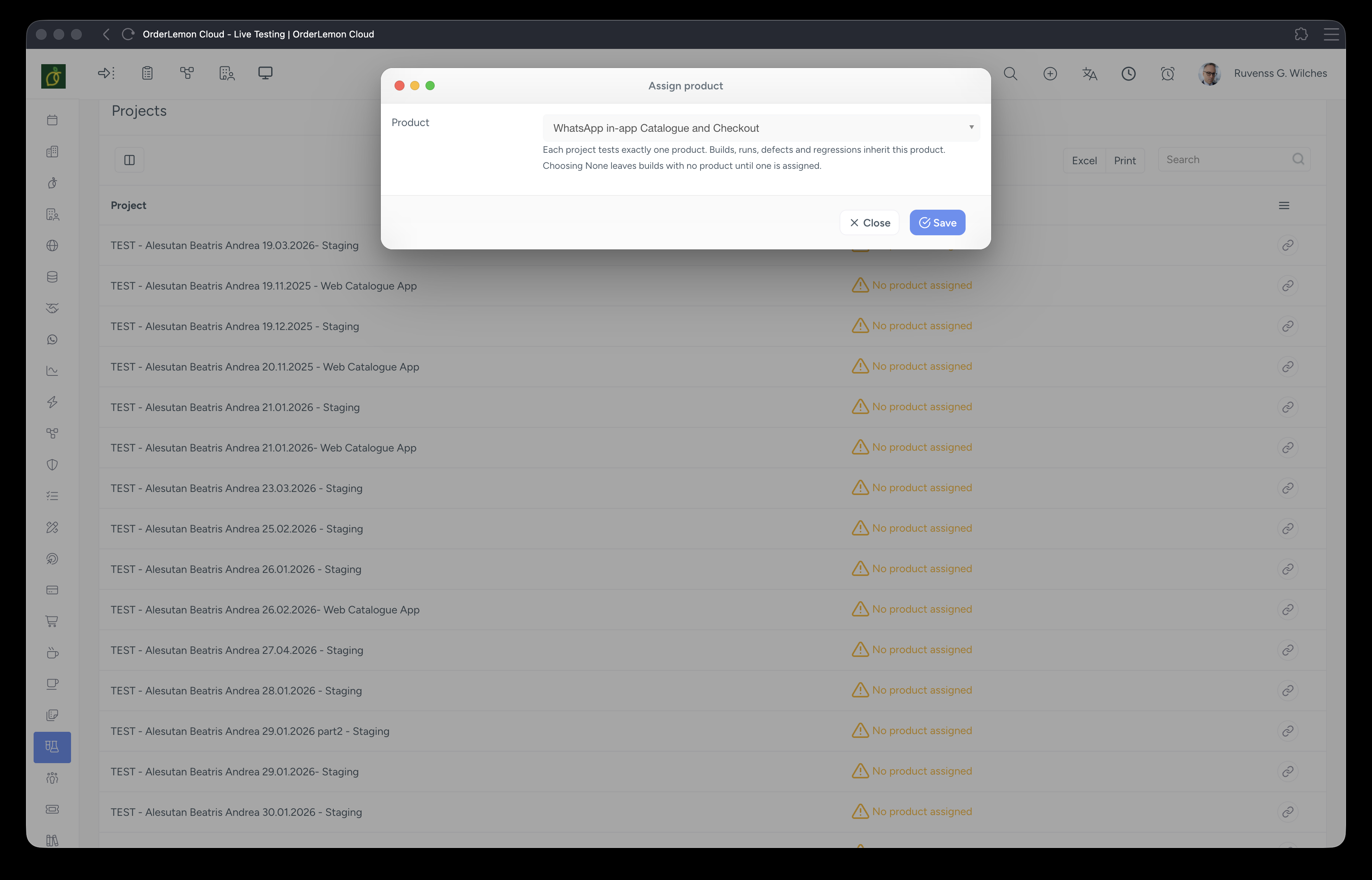
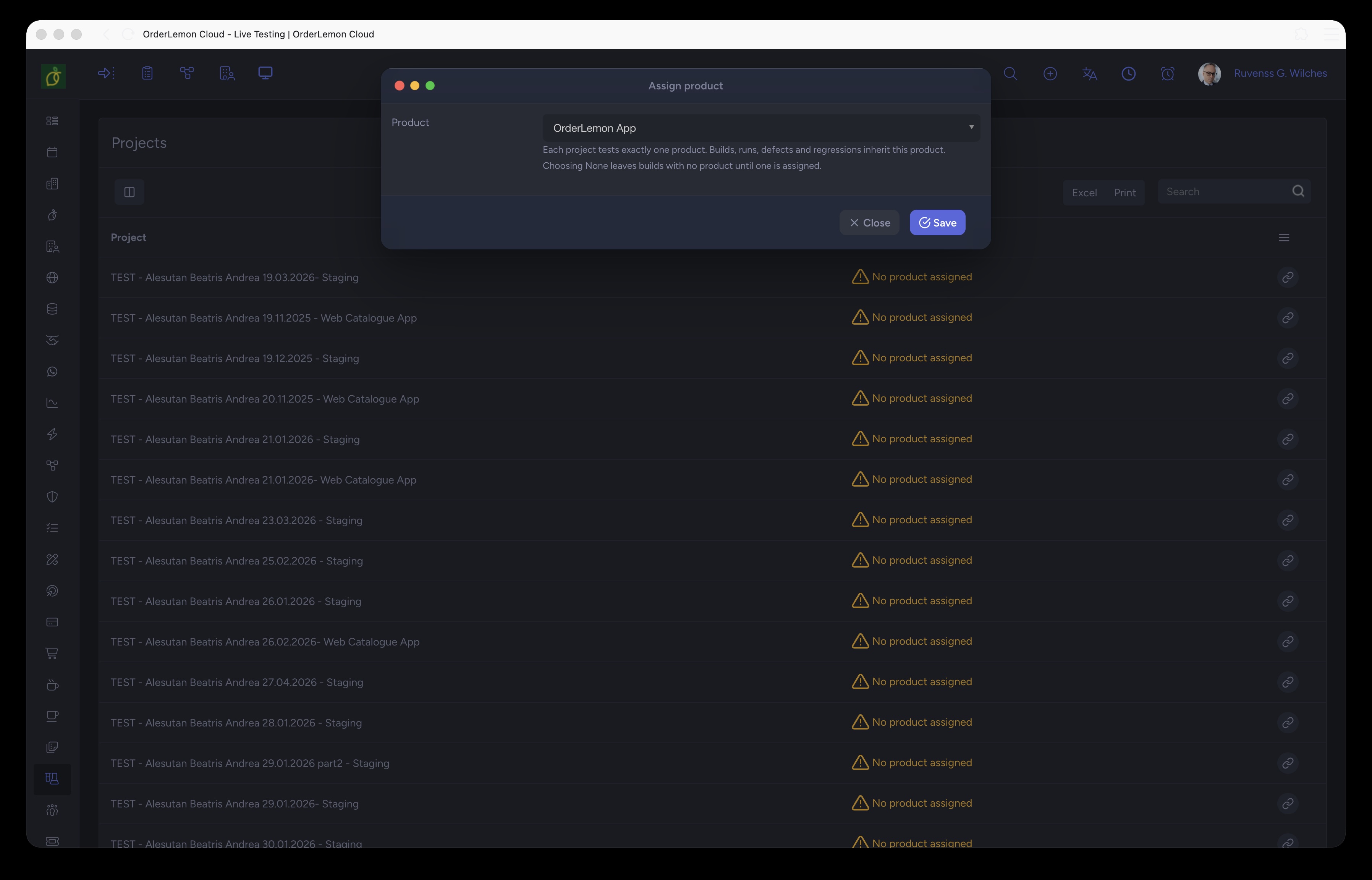
Bind products to projects and group cases into suites that mirror how your software is built.

Connected Apps
No App works alone
Here is a list of other connected apps:
-
Projects
-
Tasks
-
Team Management
-
Support Tickets
-
Roles & Permissions